Turn Your Favorite Photointo a Crochet Graphgan Pattern
Upload a photo of your pet, your family, or anything you love. Get a color chart sized for your blanket, then crochet it row by row.
Free for 7 days, no card needed. Then $5/month or $50/year. Cancel any time.
How it worksSample layout
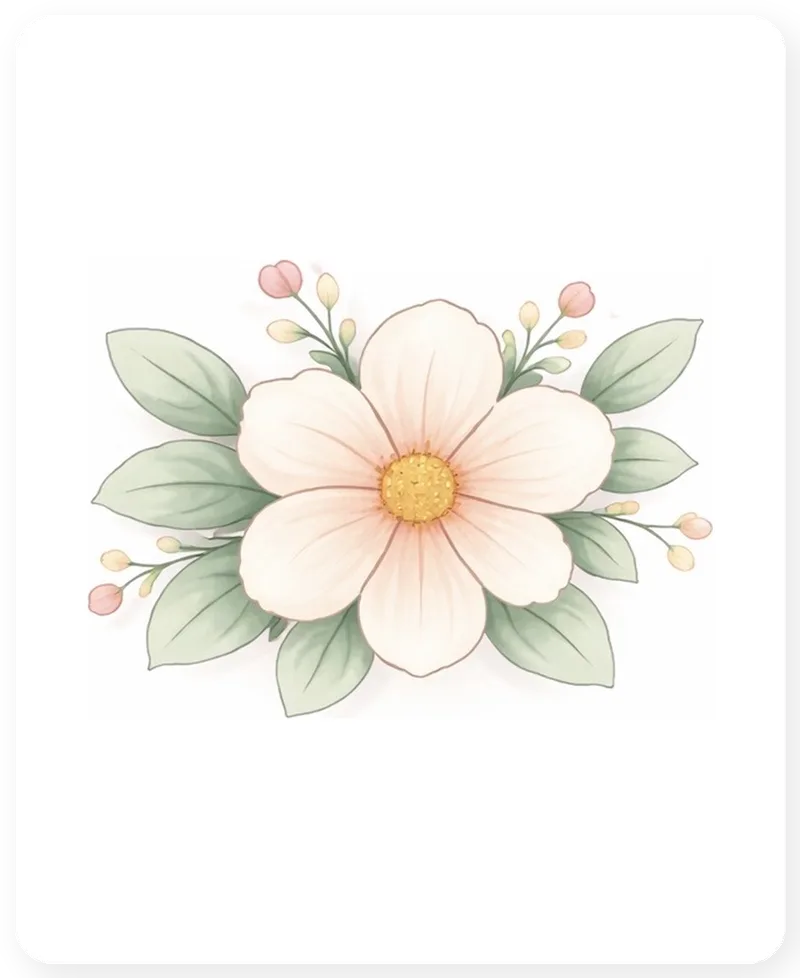
Before
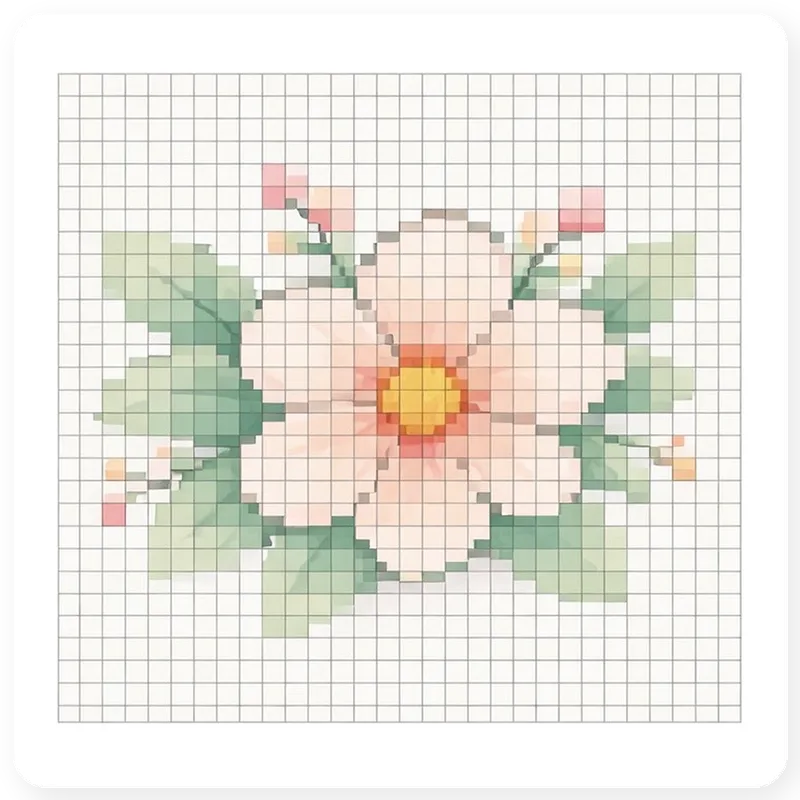
After
How it works
Turn your photo into a graphgan in four steps
Start from a photo or a blank grid, shape the chart, then move into a pattern you can actually crochet.
Start from a photo or a blank chart
Upload a picture you love, or open an empty grid and color it stitch by stitch.
Plan the chart
Set the size, stitch method, and gauge that fit the blanket you want to make.
Refine the preview
Crop and adjust a photo chart, or paint and clean up colors until the pattern feels right.
Save and crochet
Open the Reader or export when you are ready to stitch.
Ready to begin?
Try everything free for 7 days.
No card needed to start. Photo charts, blank charts, Mosaic Overlay, written instructions, PDFs, and the row-by-row Reader. Then $5/month or $50/year. Cancel any time, and your patterns stay yours.